



Intro to Flight modes
By Andrew Griffith
At their most basic level, flight modes are a collection of settings that can be turned on with the flip of a switch or switches to control how a model behaves in a particular flight condition. These settings include but are not limited to such things as control rates, exponential, trim (but not sub-trim, which is global), throttle curves, and offset position of control surfaces. Even that is a simplistic view because flight modes can be prioritized and/or nested.
Flight Modes for Gliders
Glider pilots love flight modes because they allow us to configure the wing camber and elevator trim precisely for specific flying conditions. Picture a glider with flaps and ailerons on the wings. You can have a flight mode that sets the elevator trim a bit up, the flaps a bit down, and the ailerons neutral and call that “launch mode.” Flip the switch to launch and your settings are optimized for a winch or high-start launch. At the end of the launch, flip the switch and maximize lift with thermal mode, in which the elevator is centered, the flaps are down a few degrees, and the ailerons are both down a few degrees, changing the camber of the entire wing. This maximizes the ability of the glider to fly slowly and find or work lift.
Let’s say that the lift is awful, and you need to speed out of the sink and off to another area of the sky to look for lift. Flip the switch into speed mode and the ailerons neutralize, the flaps reflex upwards a few degrees, and the elevator trims down a bit; the glider will scram to somewhere else where you can go back to thermal mode, slow down, and start your search for lift anew. When the inevitable happens and it’s time to land, select landing mode and the flaps extend, the ailerons reflex upward for crow mix or butterfly braking mode so you can precisely control your descent and nail that precision landing.
Motorized gliders make even better use of flight modes. Your launch mode has the throttle stick controlling throttle, the down-elevator trim usually required when a glider under power and any other settings you want to optimize. Yet when you’re in landing mode, the throttle stick reverts to what most glider pilots use it for: adjusting landing spoilers, or the crow mix for precision landings.

Scale gliders are ideal candidates for flight modes. They often have multiple aileron servos per wing along with flaps and spoilers that can be set for wing camber and trim depending on the phase of flight.
What’s in a name?
Despite having similar functionality, different radio brands have their own terminology for flight modes. Here’s a quick rundown.
Futaba: Flight conditions
Graupner: Q.Link (quick links)
Jeti: Flight modes
PowerBox: Flight modes
Spektrum: Flight Modes
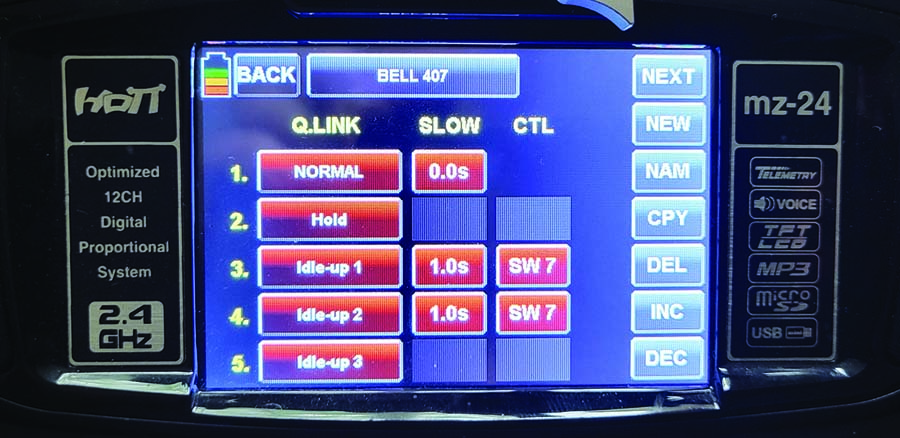
My Graupner MZ-24 calls flight modes “Q.Links” but the functionality is the same.
Flight Modes for Helicopters
Helicopters have four main flight modes: normal, idle-up 1, idle-up 2, and throttle hold. Each mode has a curve controlled by the throttle stick that sets the main blade pitch and throttle response to the stick position. Idle-up modes allow you to add throttle from half stick and below at the same time the blade pitch goes negative, so you can hover and do aerobatics inverted. Conversely when throttle hold is activated, the throttle is driven to idle while the main blade pitch is still controlled by the throttle stick allowing you to autorotate the model for fun or to remove torque so you can land safely if there’s a tail-rotor failure.
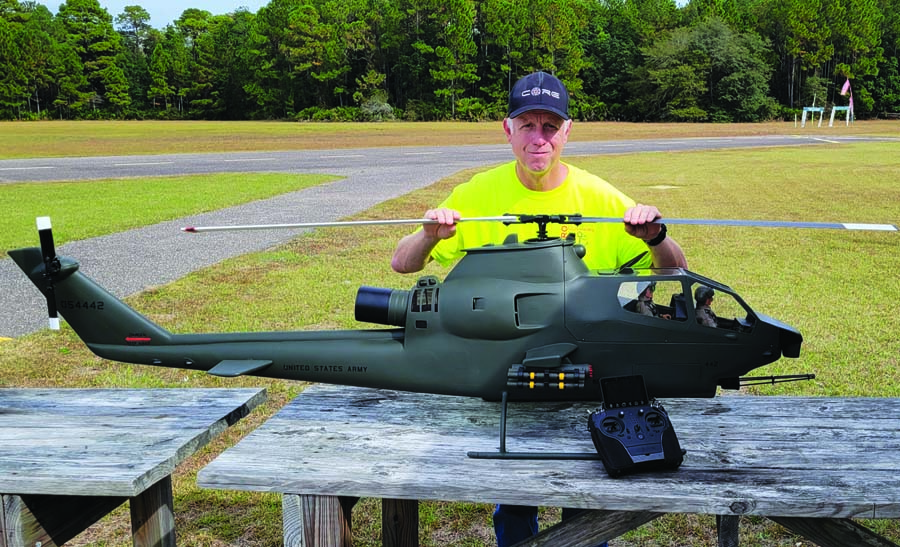
Helicopters use flight modes to balance the main blade pitch and throttle points to control the rotor speed as well as shut the motor off in emergencies or auto rotations while maintaining control of the blade pitch.
Flight Modes for Sport and Scale Aircraft
One of the most basic uses of flight modes involves configuring elevator compensation for flaps on a fixed-wing aircraft. This applies to jets, scale, and other flap-equipped sport aircraft.
You start by creating three flight modes, using the flap switch to control the flight mode. Then set your elevator trim from common to single flight mode. In flight, you can then adjust the elevator trim for the correct amount of up- or down-elevator as required to trim out each of the three flap positions. If your radio allows you set the transition time between flight modes, and most of them do, set the transition time to the match the speed of your servos. (Note: Spektrum radios use a slick flap menu that matches the flap speed to the elevator trim, so the use of flight modes in this particular case will result in the trim coming in immediately and not matching the speed of the flap deployment.)
Additional functions can be added to each flight mode by tying in settings such as control rates and expo. I frequently add gyro gain to the landing flight mode because a gyro can use more gain when an aircraft slows down for landing. This can be expanded to include such features as landing lights and accessories such as speed brakes or slats. The more complicated the aircraft, the more opportunities to simplify pilot workload by grouping these functions into a flight mode that can be called upon at the flip of a switch.
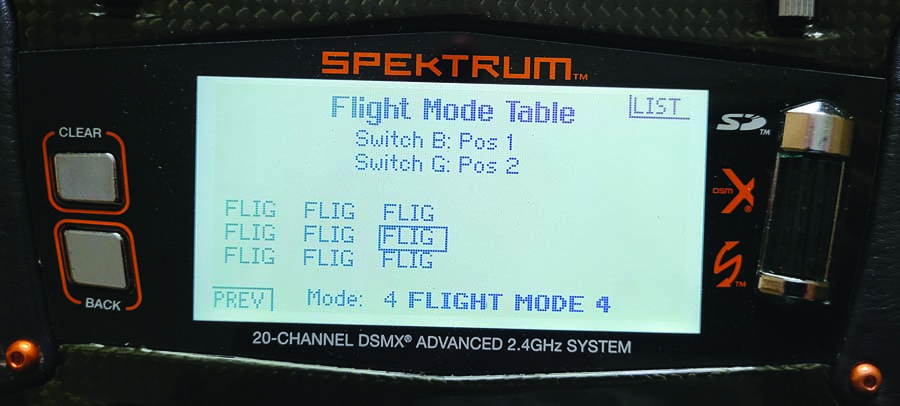
A Spektrum DX20 has a table where you can visualize what flight mode is active with each switch position. In this case, SWB controls the row and SWG controls the column for nine total flight modes. A very powerful system!
Flight Modes for Aerobatics
Despite the relative simplicity of their aircraft, IMAC and competition aerobatic pilots make extensive use of flight modes. No offense of course to IMAC planes; I just mean that this type of plane normally has fixed landing gear, no flaps, and no gyro, they can otherwise be extremely complex machines!
Once you get the multiple servos per surface working properly, you can start setting up your flight modes. Control rates, exponential, trim, and throttle curves can all be precisely optimized for the maneuver being performed, such as having max rates available for snap roll style maneuvers or more sedate rates for slow precision aerobatics. A throttle curve with a high idle and good low and mid-range throttle response can ensure you don’t have an in-flight dead stick, but when switched to landing mode the throttle idles down normally.
The more advanced radio systems not only give you more channels but when you dig into the specs, they also increase the available features, and this is often seen in the number of available flight modes that can be created.
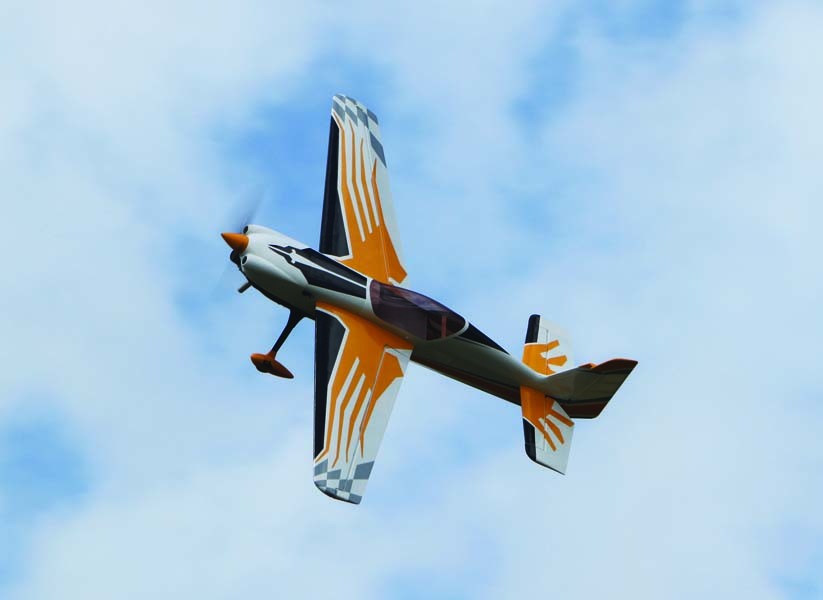
IMAC and aerobatic pilots use flight modes to set rates and expo for each maneuver or segment of their routines.
Nesting vs. Prioritized
As mentioned, flight modes can be nested or prioritized. An example of nesting is using a pair of three-position switches to activate your flight modes. Switch A in position 1 and 3 are different flight modes, but the middle position activates switch B, which has positions 1, 2, and 3 active for three different flight modes but none are active unless switch A is centered. A great example of priority is seen in helicopters where throttle hold mode overrides all other flight modes, so whether you’re in normal or one of the idle-up modes, when you hit hold the throttle always goes to idle (or motor off for electric) and the main blade pitch is controlled by the pitch curve set for hold mode.
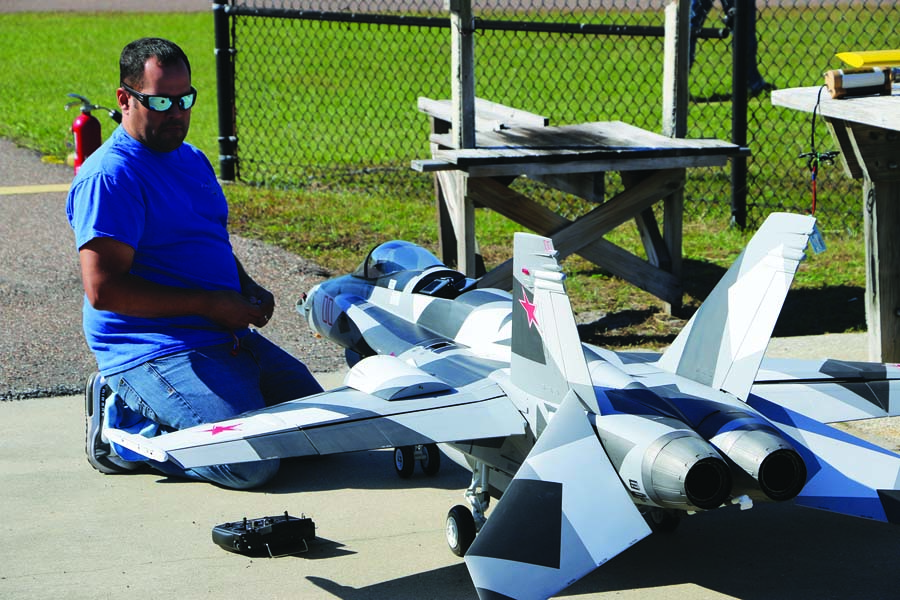
This Skymaster F-18 Hornet uses the flight mode setup on the PowerBox Core radio to activate several flight modes, including a landing mode that uses the elevators as ailerons for increased low-speed roll control along with a speed brake and gyro control.
Wrap-up
Don’t be afraid to experiment with flight mode settings, but always create a backup of your model file before tinkering with settings you may be unfamiliar with. That way if you ever need to revert back to what you know works, it will be easy. Start by incorporating rates and expo. Add features as you get comfortable, and if you don’t like something, start over. Pretty soon you will wonder how you ever got along without flight modes!